
Frame
Turn your iPhone or iPad into a beautiful photo frame
Explore
Turn your iPhone or iPad into a beautiful photo frame
Screenshots


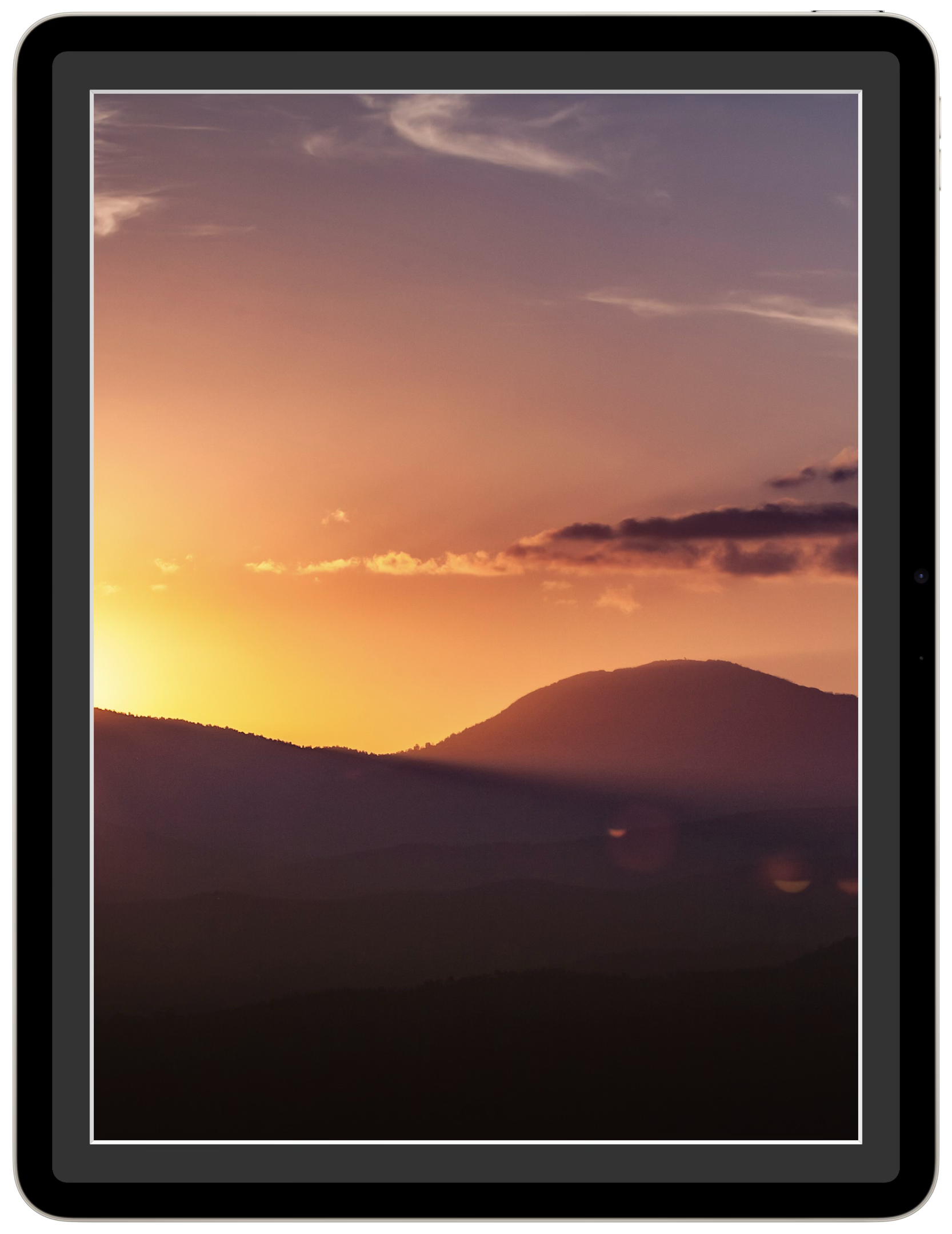
iPhone Duo
Frame follows the way you hold iPhone Duo. Stand it up, fold it like a laptop, or open it flat, and the frame changes to suit.
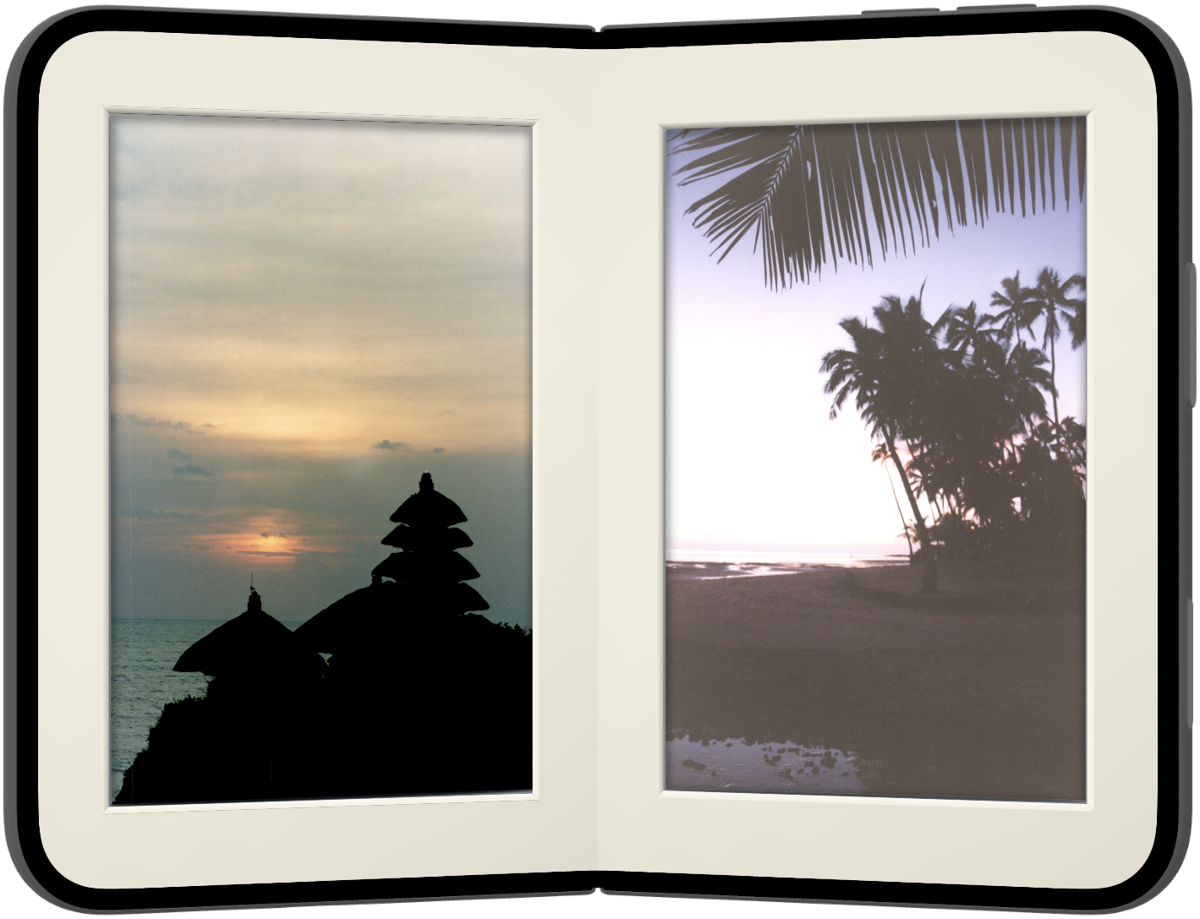
Each half becomes its own framed print. Two photos, side by side, on your shelf.
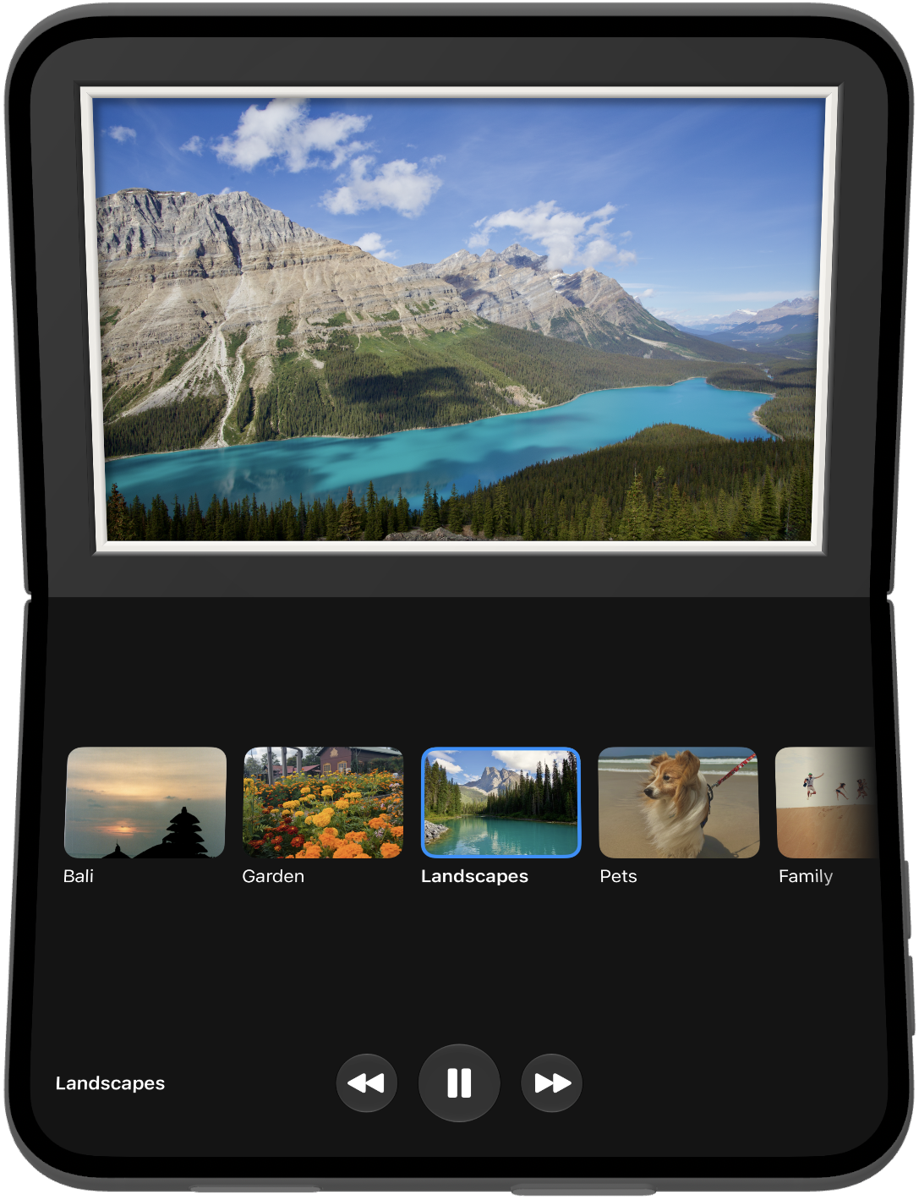
The upright half is the frame. The half on the table holds your slideshows and controls.
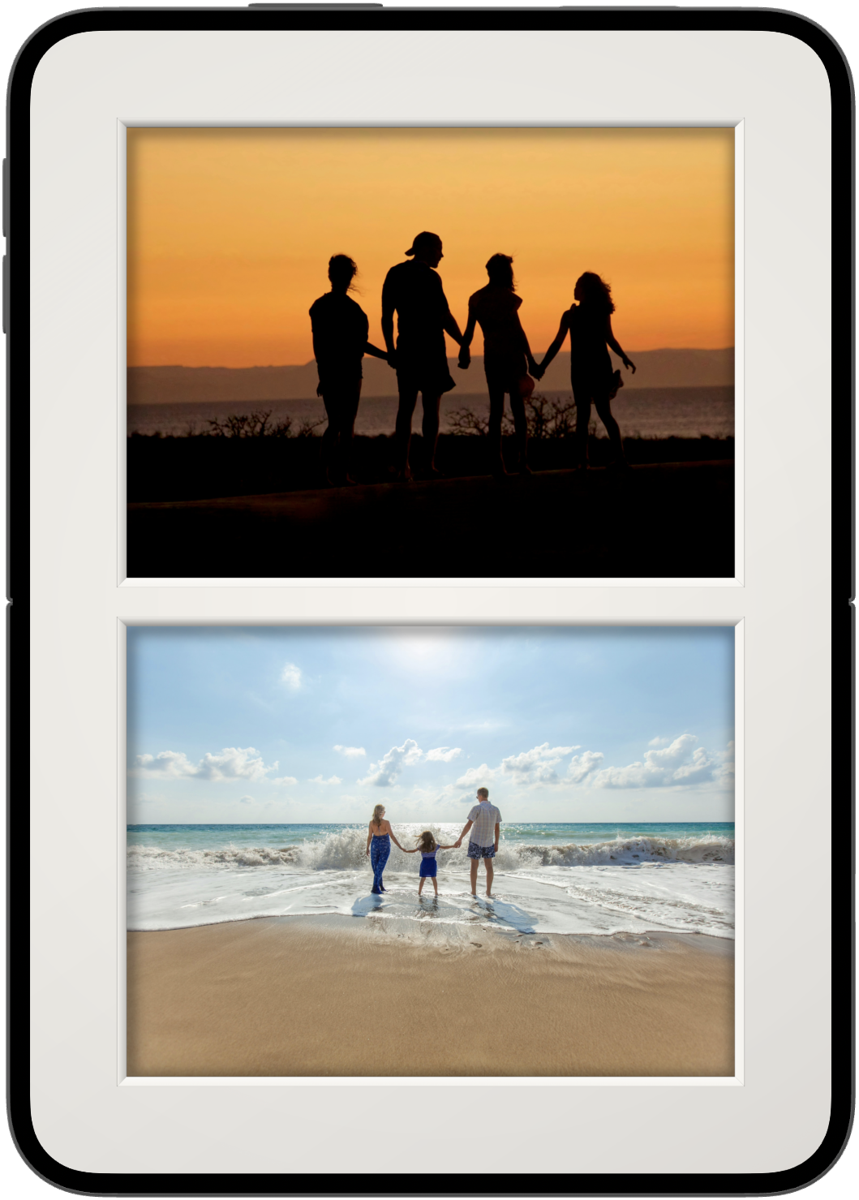
Photos that don't match the screen's orientation are paired in one mat, each cropped around its subject.

Swipe up for your slideshows and change what's showing without leaving the frame.
Features
Choose from multiple beautiful layouts to showcase your photos. From classic single-image display to dynamic slideshows that bring your gallery to life.
Smooth, cinematic transitions between photos. Customize timing and effects to match your style.
Single or double mats in classic colours, with a bevelled edge and paper texture. In Whole Photo mode the mat is cut to each photo's shape, just as a framer would. Captions from the Photos app sit on the mat like a gallery label.
No more sea of empty mat. Pair portrait photos side by side on a landscape screen, or show only the photos that match how your device is held.
Support
Frame connects directly to your iCloud Photo Library. Simply grant permission when prompted, and you'll be able to select any album or collection to display.
Yes. Frame adapts to however you hold your iPhone or iPad. For photos that don't match the screen, you choose: show them with the mat, pair two side by side, or skip them.
Frame is optimized for extended display. We recommend keeping your iPad plugged in for the best experience.